










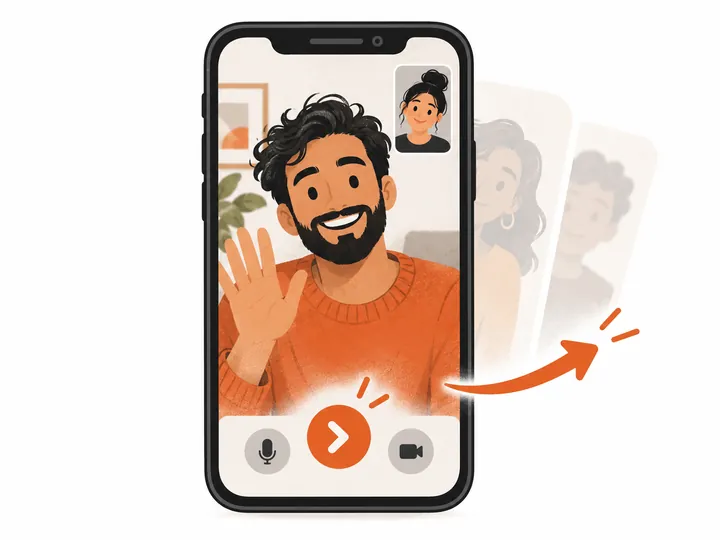
Short is normal
The first few matches can be quick. That’s fine.
 ometv.me
Independent · browser-based · 18+
A random video chat that opens in your browser. Tap start, allow your camera and microphone when the match begins, and you are face to face with one person. Not the right conversation? Skip, and the next one is already on its way.
Real people on camera.
One conversation at a time.
 Matched
This is ometv.me, an independent 1-on-1 random video chat. It is not OmeTV, the app and website at ome.tv, and we have no connection to the company behind it. Your OmeTV account, coins and contacts do not carry over here, and ours do not carry over there.
Looking for your OmeTV account?
Type ome.tv into your browser or open the official OmeTV app. We cannot help with logins, bans or purchases on another service.
Just want a random video chat?
Then you are in the right place. ometv.me works the way most people expect a chat roulette to work: one match, one camera each, skip whenever you like.
It is not OmeTV. It is not a dating app. It is not a group room. It is not a feed you scroll.
It is a single, slightly old-fashioned idea that the internet keeps coming back to no matter how many social networks get built on top of it: you press a button, a stranger appears on the other side of the screen, and for as long as you both want, the two of you just talk — about where you are, what time it is there, the song playing in the background, or nothing at all.
That is the whole product. We think it is enough, and judging by how many people still type some version of “omegle”, “ome tv” or “random video chat” into a search box every single day, years after the original shut its doors, plenty of other people think so too.
Four steps. The very first time takes roughly as long as reading this paragraph, mostly because of the permission prompt, and after that it is mostly the last two steps on repeat for as long as you feel like talking.
Tap Start a video chat. The site gives you a guest identity in the background, so there is no form, no email confirmation and no password to invent before the first match. The contact page covers what changes once you do make an account.
Your browser asks for both at the moment you start matching. Not earlier. A video chat cannot run on one of the two, so if you only allow the camera, the match will not start. What happens to that access is spelled out in the privacy policy.
You see them. They see you. It is a one-on-one call, not a room and not a broadcast, which is why the first few seconds tend to feel a lot more like bumping into someone in a hallway than like watching something on a screen.
If the conversation works, keep going. If it doesn’t, skip — there is a short pause, then a new match. Report and block are on screen the whole time.
A lot of people search for “ome tv online” because they want a random video chat without installing anything. That is exactly how ometv.me is built. No store, no download. The whole experience lives in the browser tab, on a phone or a laptop.
What helps is boring but real: a recent browser, a working front camera, a microphone that is not muted at the system level, and a connection steady enough for two-way video. Mobile data is fine if the signal is good; a crowded café Wi-Fi often is not.
If you would rather tap an icon than type a web address, you can add ometv.me to your home screen. It then opens in its own window, like an app, without a store download. Ready? Open the matcher.
Short answer: ometv.me has no app in the App Store or Google Play. It doesn’t need one.
The OmeTV apps you will find in the stores belong to OmeTV, the separate service at ome.tv, and installing one of them will not log you into anything here. If that is the product you want, install theirs. If what you actually want is a quick random video chat on your phone without handing over storage space, a store account and a dozen permissions on day one, the browser does the job — and it is the only way ometv.me works.
The home-screen trick gets you most of the app feeling. On iPhone, open ometv.me in Safari, tap Share, then Add to Home Screen. On Android, open it in Chrome and choose Install app or Add to Home screen from the menu. You get an icon. It opens full screen. Updates arrive on their own, because there is nothing to update.
Random chat has a rhythm, and it is worth knowing before you start. Most matches are short. Someone says hi, you size each other up for a few seconds, and then either something clicks and the conversation wanders off somewhere neither of you planned, or one of you taps skip and you are both looking at somebody new before the awkwardness has time to set in. Skips are not personal. They are the format.
The calls on ometv.me are with real women on the other side of the camera. That shapes the experience: conversations are one-on-one, they tend to last longer once they get going, and the first impression you make in the opening seconds matters more than a clever username ever could.
The first few matches can be quick. That’s fine.
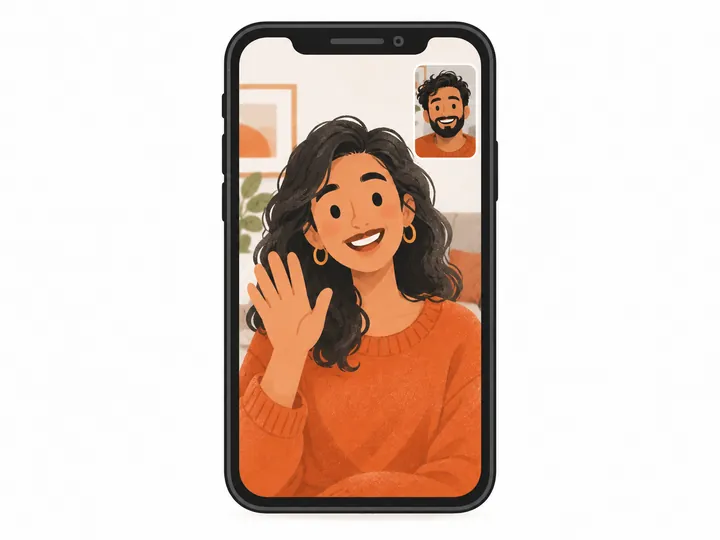
There is no profile to read, no bio to polish and no photo to pick, so a clear face, decent light and a real hello end up doing all the work a profile would do on any other app.
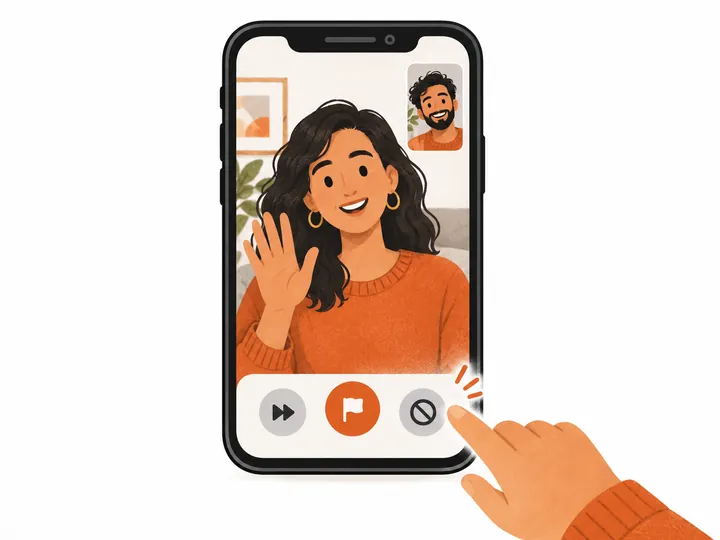
Skip, report and block are always one tap away. You never have to stay in a call you don’t want.
Let’s be plain about money. Opening ometv.me and starting the matcher costs nothing. Video calls run on coins, and the call is charged by the minute from your balance. When the balance reaches zero, the call ends — there is no hidden overdraft.
You buy coins in packages from the wallet, and there is also a monthly VIP option. Every price is shown on the wallet screen before you pay, in your currency where possible. We do not list numbers on this page because they can change, and the wallet is the one place that is always current.
One more thing, since you may have arrived looking for OmeTV: anything you buy here is for ometv.me only. It is not OmeTV currency and cannot be used or refunded there. Purchases and refunds are covered in the terms of service; billing questions go through contact.
Random matching means you will sometimes meet someone you would rather not, and no amount of clever design changes that, so the useful question is how fast you can get out of the call and make sure it does not happen again. The answer here is one tap. The tools are simple and always visible: report sends the call to a human reviewer, and block makes sure you are not matched with that person again. Reports are reviewed by people, with a stated target of 24 hours.
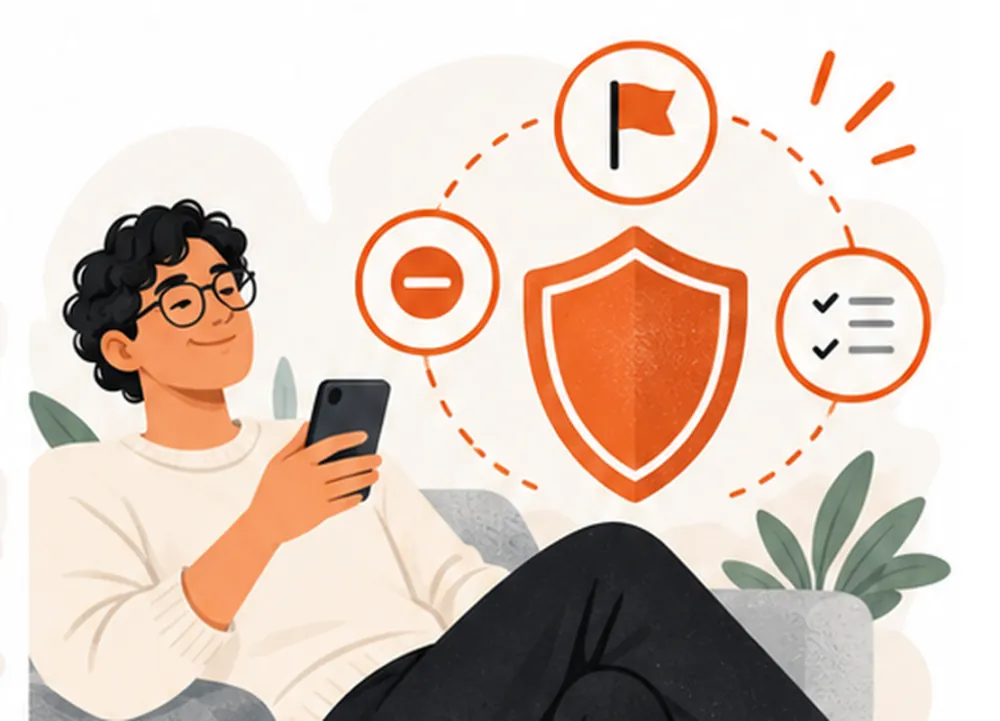
ometv.me is for adults. If you think you have been matched with a minor, end the call, report it, and email us. How we handle it.
Harassment, hate, threats and nudity on camera break the community guidelines and get accounts removed.
Don’t share your address, your workplace, your passwords or your payment details on a call, however friendly it gets and however long you have been talking, because a real person who just wants to chat will never need any of them.
We never ask for gift cards, transfers or crypto in a chat. Report anyone who does.
Read the full community guidelines and the child safety policy.
The names are close enough to confuse anyone. Here is the short version. Omegle was the original text-and-video stranger chat; it shut down for good in November 2023. OmeTV is a separate random video chat run by its own company at ome.tv. ometv.me is a third, independent service — this one.
| ometv.me | OmeTV | Omegle | |
|---|---|---|---|
| Status | Running | Running | Closed since Nov 2023 |
| Where | ometv.me, in the browser | ome.tv and its own apps | — |
| Format | 1-on-1 video | Random video chat | Text and video |
| Same company? | No — three unrelated services | ||
The longer story is in Omegle vs OmeTV: what is actually different, and if you are shopping around, we keep an honest list of the best OmeTV alternatives in 2026 — including ones that are not us.
None of this is required. Still, people who stick around on random video chat tend to do the same few things, and most of them have nothing to do with looks and everything to do with whether the other person can actually see and hear you in the first five seconds.
Nine times out of ten, a black screen or a silent call is a permission problem, not a broken camera. The browser asked once, something got tapped too fast, and now it remembers “no”. Here is how to undo that.
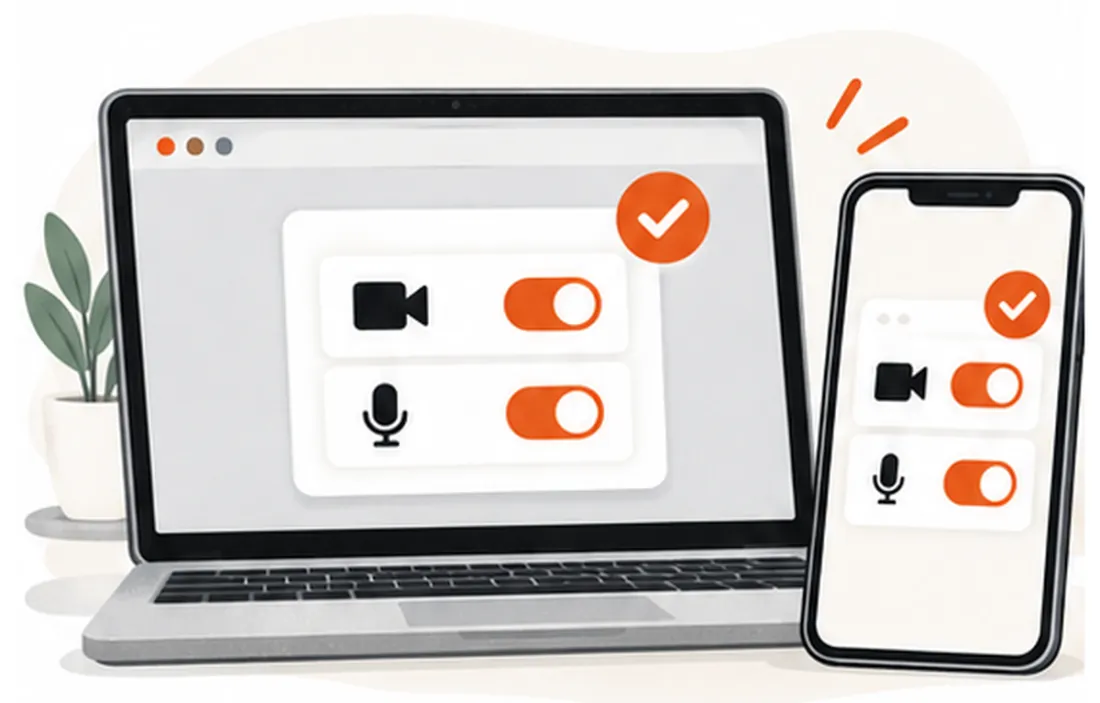
Open Settings, scroll to Safari, then Camera and Microphone, and set both to Ask or Allow. Reload the page. Still nothing? Close any other app that might be using the camera — a video call in the background is the usual culprit.
Tap the icon to the left of the address bar, open Permissions, and allow camera and microphone. If the options are greyed out, Chrome itself may be blocked in your phone’s app settings. Check there.
Click the camera icon in the address bar and pick the right device; laptops with an external webcam often default to the wrong one. On a Mac, also look under System Settings → Privacy & Security → Camera, and make sure your browser is ticked.
Still stuck after that? Tell support which device and browser you are on, and we will look at it with you.
Picture fine but nobody hears you? Check the mute key. Then check it again. Really, it is almost always the mute key, and the fastest way to be sure is to open your system sound settings and watch the input meter jump while you say something out loud.
Talking to a stranger on camera sounds strange until you try it. Then it makes sense, usually somewhere around the third or fourth match, when you realise that the person on the other side is just as curious, just as slightly nervous and just as happy to skip the small talk as you are.
Omegle started the whole thing in 2009 with a page that matched two people and said very little else. It grew huge, attracted copycats, and closed in November 2023 after fourteen years, with a goodbye letter from its founder. The demand did not close with it. People kept searching for a way to meet someone new without a profile, a feed or a follower count — just a face, and the option to move on.
Services like OmeTV were already around and picked up a lot of that traffic (how the two differ is its own story, told in Omegle vs OmeTV). Plenty of smaller sites, ours included, try to do the same basic thing with their own twist. Ours is simple: one-on-one, in the browser, no sign-up form in front of the first call, and money handled in a wallet you can always see. That’s it.
You stay in charge here. Camera and microphone are only requested when you start matching, and you can withdraw either one in your browser settings at any time. As a guest you start without giving us an email address; an account comes into the picture when you use the wallet or change settings.
We use cookies and analytics to keep you signed in, remember preferences and understand which pages people use. The details — what is collected, why, and how to opt out — are in the privacy policy and the cookie policy. If something there is unclear, write to us through the contact page.
ometv.me is an independent service. It is not owned by, licensed by or connected to OmeTV or the company behind ome.tv, and it is not a mirror, a web version or a login page for any other app. If a page here ever looks like it is pretending otherwise, tell us and we will fix it. No argument, no delay.
What we stand behind is written down where you can check it: the terms you agree to, the privacy policy and cookie policy for your data, the rules everyone on a call follows, and how we deal with copyright and trademark complaints. All of them are written in plain English rather than legalese wherever we could manage it, so that you can find out what happens to your camera access, your coins or a report you filed without needing a lawyer to translate it for you.
A person reads every message that reaches support. That is the honest version of “customer service” for a site this size, and it is the one we can promise.
No. ometv.me is an independent random video chat with its own accounts, wallet and rules. OmeTV is a separate service run by a different company at ome.tv. We are not affiliated with, endorsed by, or connected to OmeTV. If you were looking for your OmeTV account, go to ome.tv directly — your login, history and purchases there do not exist here.
Open the matcher, allow camera and mic, say hello. If it is not the right person, the next one is a skip away.
Start a video chatometv.me is independent and not affiliated with OmeTV. 18+ only.